
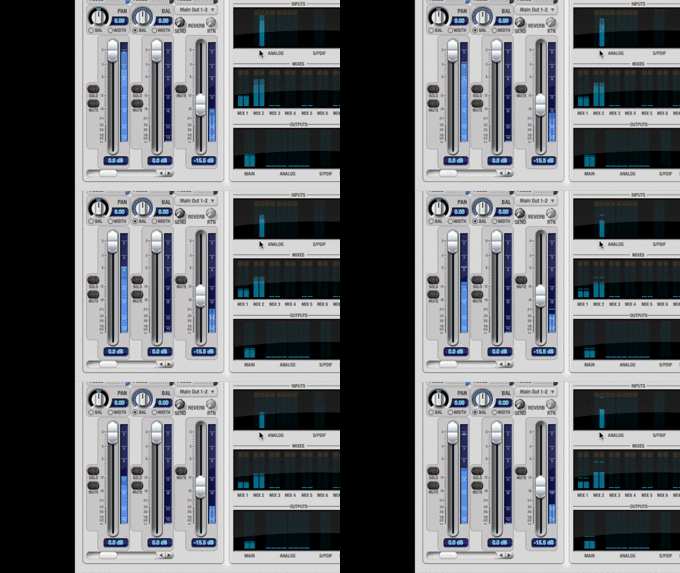
3 Keyboards ( NS2, Motif & Virus) Modulate Around -12dB Fs on Mixer ( Motu Ultralite) :
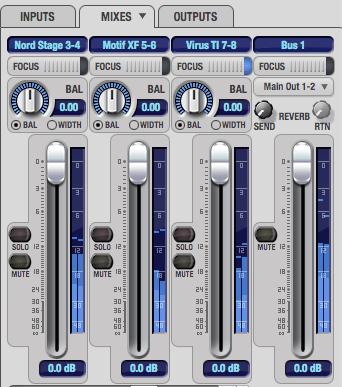
Here an example with 3 differents keyboards modulating around -12 dbDS. To have good levels, you need to adjuste 2 differents levels :
– The General Output Levels (Analogic)
– The Patch Levels.
The General Output Level is controled by output volume knobs : fader or potentiometer.
The Patch Level is registered for each sound into the synth memory.
Various knobs or faders keyboards :
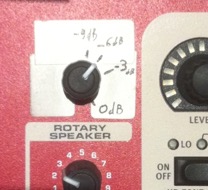
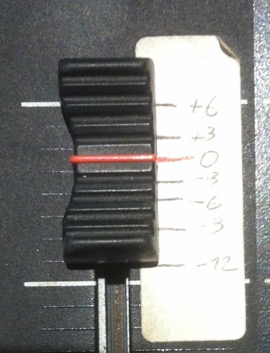
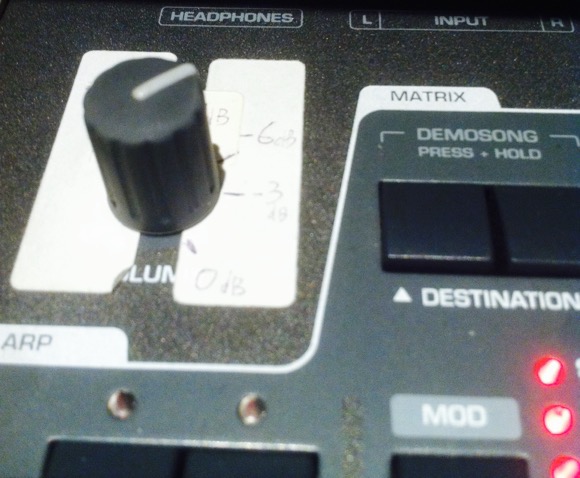
Each potentiometer acts on the volume of different ways, which is why we need to write an equivalent dB scale to each one. +3dB increase, making the sound 2 times stronger. –3dB decrease, making it 2 times lower.
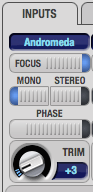
Each Keyboards Gain (Trim) on Mixer :
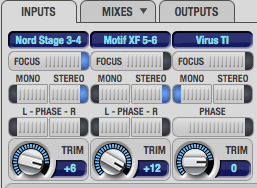 Each Keyboard has a different output gain : The virus as a highest level and the motif , the lowest. Therefore, we compensate level differences by the input gain in the mixer.
Tutorial to Adjust Output Level of Keyboard (example with Andromeda A6) :
1 – Push Keyboard Volume to the Max.
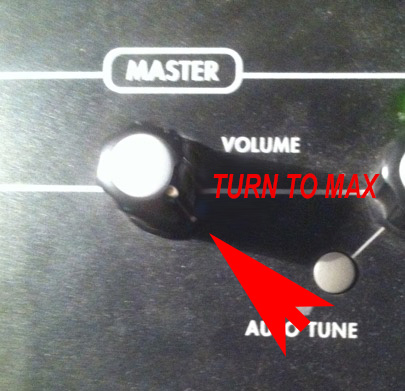
2 – Select a Sound on Keyboard with regular sustain like sinus or organ with no velocity, no fx, no envelope…
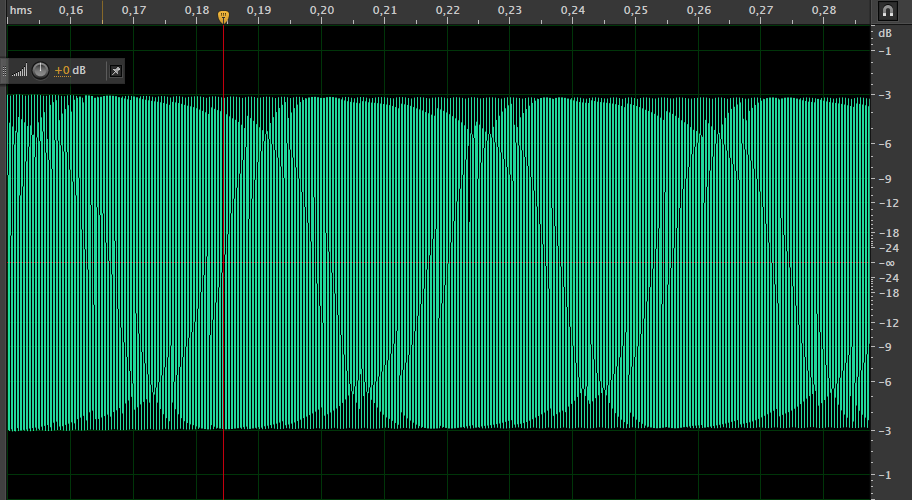
3 – Adjust the Input gain of your mixer to read 0dB fs on VU.
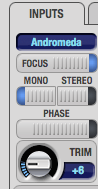
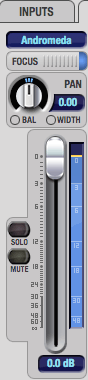
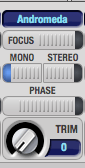
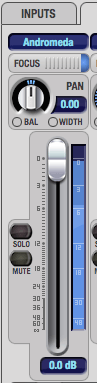
4 – Write on sticker paper the value 0db.
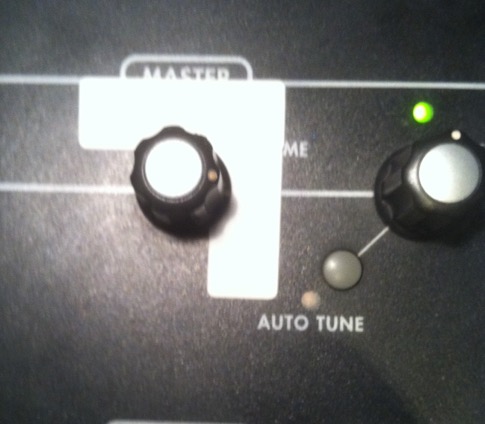
5 – Now Increase of 3 db Mixer Input.
6 – Turn the knob until that the value back down under the 0 dB Fs.
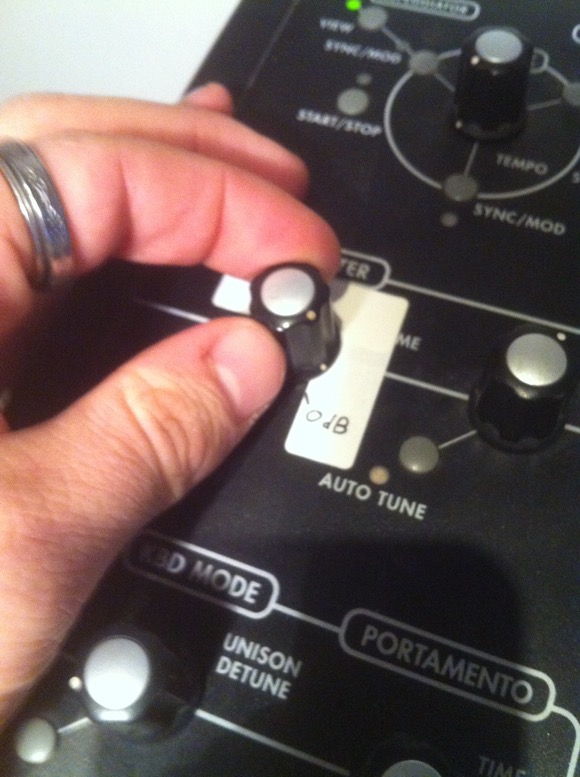
7 : Write on sticker paper the value – 3db.
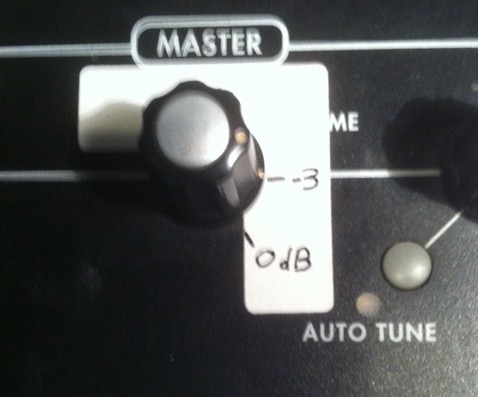
8 : Repeat the operation for -6db (Increase of 6 dB mixer input gain compared to the original gain).

9 : Repeat the operation for -12dB ( Increase of 12 dB mixer input gain compared to the original gain) :
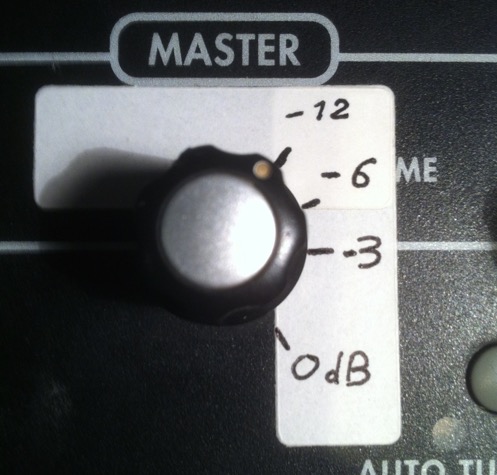
10 : Now, do not forget to reset the input gain (0 dB in this example) to avoid any saturation. Use the keyboard in normal mode -6db to have a good dynamic reserve and at the same time a good output level :
I’m confused about step 3. With the keyboard’s master volume at max, do you set the gain of your mixer at 0dB and then lower the volume so the VU meter peaks at 0dB?